Watching IPTV on a television without going through the operator’s box requires choosing between several technical paths, each with its own constraints. The hardware already available on the television (Smart TV or not, operating system, connectivity) determines the method, cost, and quality of the experience. This article compares the main options and details the concrete differences between them.
IPTV applications removed from stores: what has changed on Samsung and LG
Most online guides still recommend installing IPTV Smarters Pro directly from the store of a Samsung or LG Smart TV. This information is outdated. The application was removed from the Samsung Tizen and LG webOS stores in 2024 and remains absent in 2026.
Users of these televisions must turn to other compatible applications. Three alternatives work on these systems: IBO Player Lite, Smart IPTV, and Set IPTV. Each accepts activation via M3U URL or Xtream Codes API, covering the majority of IPTV subscriptions on the market.
Before looking for other tips for IPTV without a box, check the operating system of your television: Tizen (Samsung), webOS (LG), or Android TV directly determine the available applications.
Comparison of methods to receive IPTV without operator box
The choice depends on the type of television. A recent connected model does not have the same options as an older screen without internet access. The table below summarizes the differences.
| Method | Compatible TV | Required Connection | Installation | Limitations |
|---|---|---|---|---|
| Smart TV Application (IBO Player, Smart IPTV, Set IPTV) | Samsung Tizen, LG webOS | Built-in Wi-Fi or Ethernet | Download from the store, enter the M3U URL or Xtream Codes credentials | More limited app choices since the removal of Smarters Pro |
| Fire TV Stick (Amazon) | Any TV with HDMI port | Wi-Fi required | Plug in the stick, install an IPTV app from the Amazon Appstore or sideload | Requires additional hardware purchase |
| Chromecast / Apple TV | Any TV with HDMI port | Wi-Fi required | Cast from a smartphone or install an IPTV app on the device | Apple TV limits sideloading, Chromecast depends on the phone |
| Integrated Android TV | Sony, Philips, TCL (some models) | Built-in Wi-Fi or Ethernet | Install the IPTV app from the Google Play Store | Variable performance depending on the TV’s processor |
| Operator Application (Orange TV, Free, etc.) | Compatible Smart TVs or via browser | Wi-Fi or Ethernet | Download the operator’s app, log in with credentials | Limited to the channels of the internet subscription, no third-party IPTV |
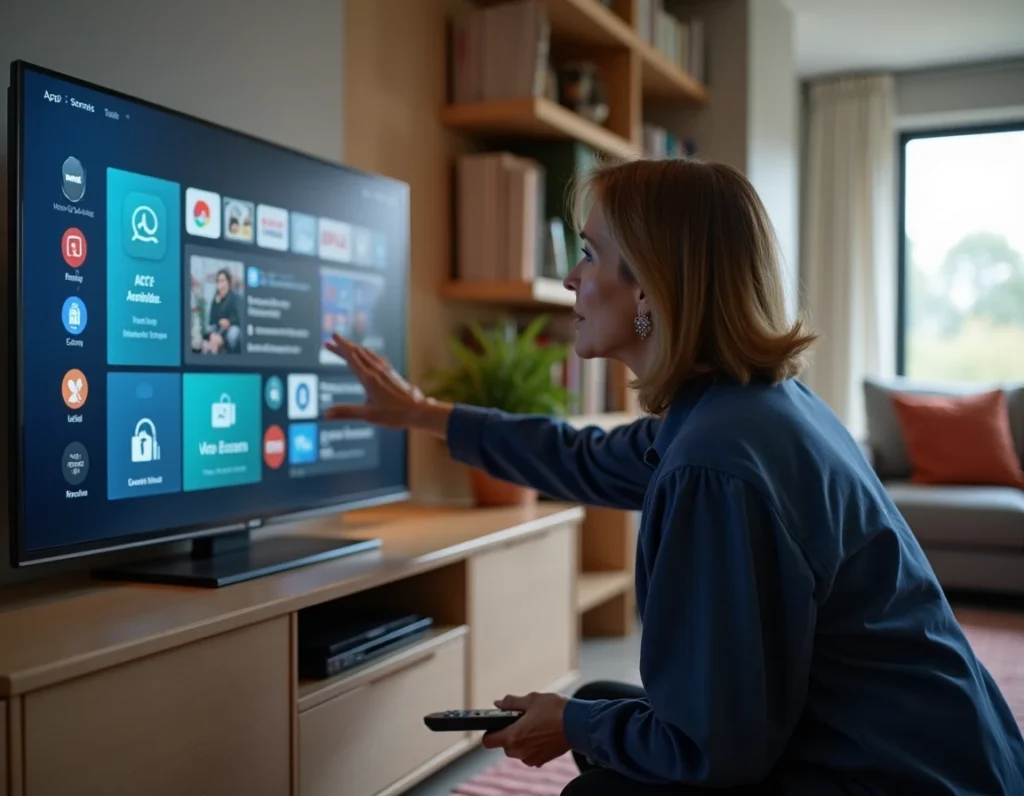
The Fire TV Stick remains the most versatile solution for an older television without connected features. However, a recent Samsung or LG television does not need any additional hardware, provided the appropriate application is found in its store.
HDMI connectivity and internet speed: the two technical prerequisites
A point rarely detailed in competing guides concerns the version of the HDMI port. To stream IPTV in high definition, an HDMI 1.4 port is sufficient for 1080p. 4K requires at least an HDMI 2.0 port, found on televisions manufactured after around 2015.
The internet speed directly affects the stability of the image. A standard definition stream consumes little bandwidth. An HD or 4K stream requires significantly higher speed. 5 GHz Wi-Fi reduces micro-cuts compared to 2.4 GHz, which is saturated in most homes.
- Ensure that your television or HDMI stick connects to the 5 GHz band of your router, not the default 2.4 GHz band.
- An Ethernet cable between the router and the television (or device) remains the most stable connection for IPTV, especially during periods of high demand on the home network.
- If your television does not have an Ethernet port, a compatible USB-Ethernet adapter exists for most Fire TV Sticks and Chromecast.
ARCOM real-time blocking: why some IPTV streams cut off during a match
Since 2025, ARCOM has been using a dynamic real-time blocking system for pirate IPTV servers, particularly during sports broadcasts. This device affects users regardless of their device: Smart TV, Fire Stick, or app on a smartphone cast to the television.
The mechanism relies on DNS blocking and filtering at the level of internet service providers. In practice, a stream that works at the beginning of a match may cut off after a few minutes when ARCOM identifies and blocks the source server.
Some users bypass these blocks with a VPN. This approach poses two problems. First, the VPN adds latency to the video stream, which degrades the quality in real-time. Second, European institutions are considering extending blocking obligations to VPN services themselves, which could render this workaround ineffective in the medium term.
M3U and Xtream Codes activation: configuration on Smart TV
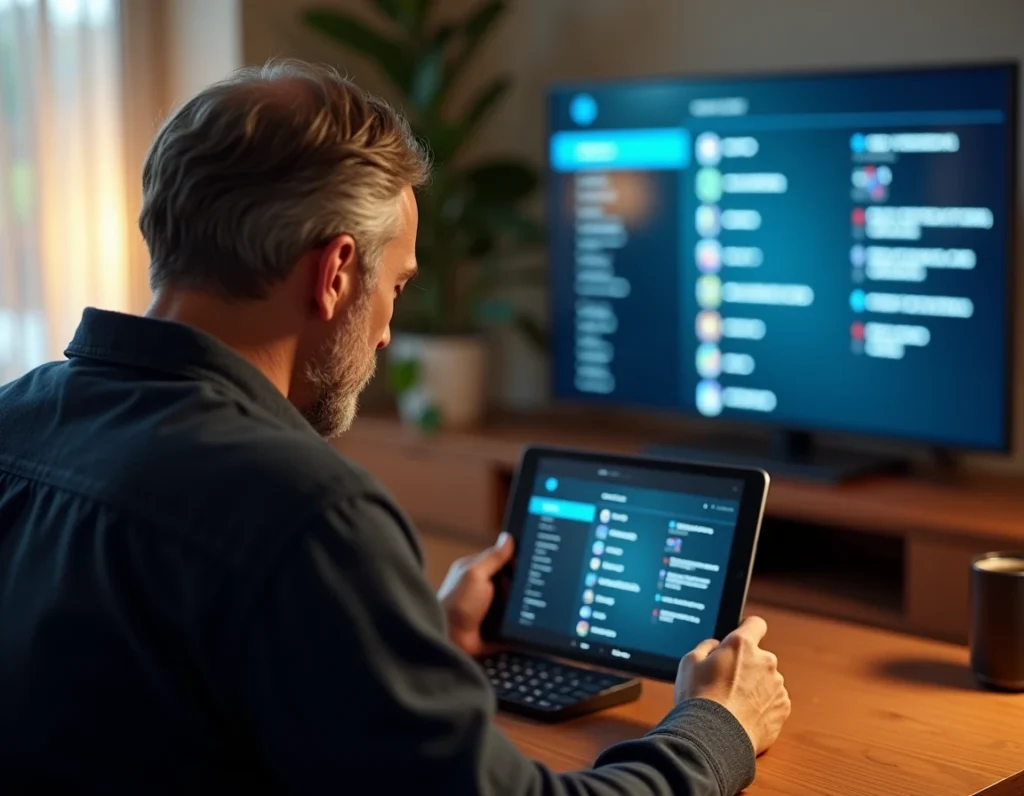
Once the application is installed (IBO Player Lite, Smart IPTV, or Set IPTV), the configuration relies on one of these two protocols:
- M3U URL: a link provided by the IPTV service, to be pasted into the application settings. It loads the complete list of channels. Simple, but updating the list sometimes requires manual intervention.
- API Xtream Codes: three fields to fill in (server, username, password). This method automatically manages updates to the channel list and allows categorization.
- MAC Portal: used by some applications like Set IPTV, it associates the television’s MAC address with the IPTV account. Less common, but useful on LG webOS televisions.
The API Xtream Codes offers a smoother daily experience. The M3U is suitable for testing a service before committing.
The choice of the method to access IPTV without a box primarily depends on the television already in place. A recent Samsung or LG model works with a native application, while an older television requires an HDMI stick. The disappearance of Smarters Pro from the main stores and the strengthening of ARCOM blocks change habits: checking the actual compatibility of one’s equipment before any installation avoids disappointments.